ACM LaTeX Formatting. sigconf. sigplan. acmsmall. TAPS Ready.
Your ACM paper is accepted. Now you need to go from the single-column manuscript review format to the final camera-ready version, complete the rights form, insert the rights management commands, format the CCS concepts, fix the bibliography, and upload to TAPS — ACM’s automated production system that validates your LaTeX before generating the final published version.
72-hour standard delivery. TAPS validated. Overleaf tested.
Researchers from these institutions trust The LaTeX Lab
If that sounds like more steps than you expected, you’re not alone. ACM has the most complex submission pipeline of any major CS publisher, and TAPS is significantly stricter than Editorial Manager or ScholarOne. Most authors who come to us have already had at least one TAPS validation failure.
We handle all of it. Send us your accepted paper in any format — Word, PDF, or your existing LaTeX — and we deliver a TAPS-ready .tex file that passes validation on the first upload. We’ve been through the TAPS pipeline enough times to know every quirk, every undocumented restriction, and every package that silently fails.
The ACM Template Formats We Work With
ACM consolidated all their templates into a single class file — acmart — back in 2017. But “single class file” doesn’t mean “simple.” acmart supports seven different format options, each with its own column layout, font size, and page geometry. Using the wrong one for your venue means reformatting from scratch.
sigconf — ACM Standard Proceedings (Most Common)
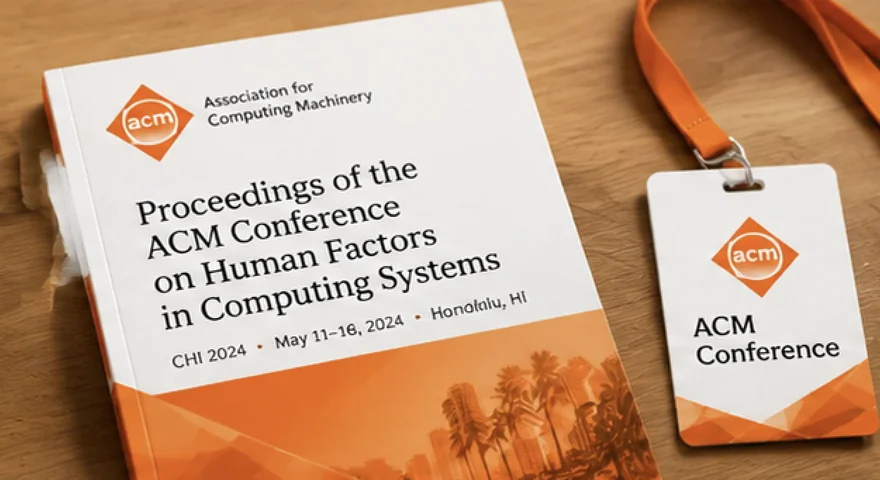
The default format for most ACM conference proceedings, including SIGCHI (CHI, CSCW, UbiComp), SIGMOD, SIGIR, KDD, CIKM, and hundreds of other ACM conferences. Two-column layout. Also used for SIGGRAPH conference papers (not TOG journal submissions).
The #1 sigconf mistake we fix: authors submit the review format (\documentclass[manuscript]{acmart}) as their camera-ready version. The review format is single-column with line numbers — great for peer review, but TAPS will reject it as a camera-ready submission. The fix is changing the format option to sigconf (or your specific format) and removing the manuscript option. This sounds trivial, but the layout change often breaks figure placement, table widths, and page limits — which is why it’s a formatting project, not a one-line fix.
sigplan — SIGPLAN Proceedings
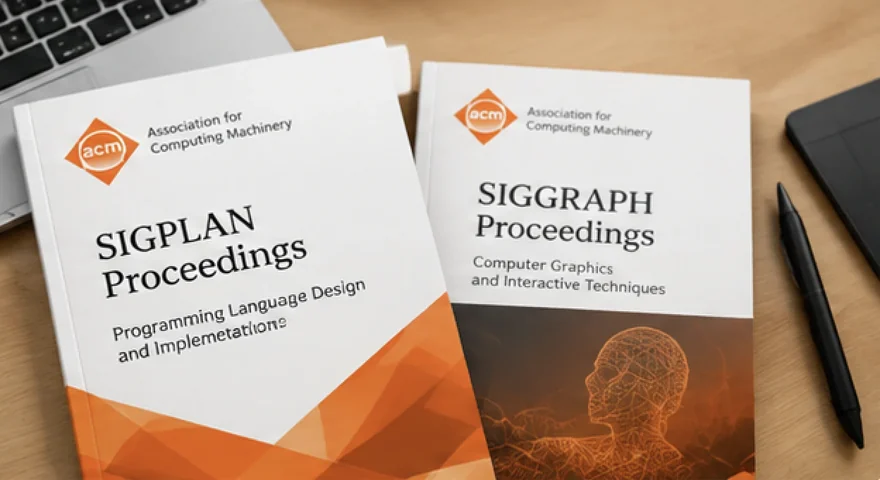
Used specifically for SIGPLAN conferences: PLDI, POPL, ICFP, OOPSLA, SPLASH, and related events. Similar to sigconf but with a slightly different heading style and larger default font size. If your conference’s call for papers says “ACM SIGPLAN format,” this is the one.
acmsmall — ACM Small-Format Journals
Single-column format used by the majority of ACM journals: JACM, CSUR, TWEB, JETC, JEA, JDIQ, PACMPL, PACMHCI, and many more. Authors submitting to ACM journals need to choose between acmsmall, acmlarge, and acmtog — the journal’s submission page tells you which, but it’s not always prominently displayed.
acmlarge and acmtog — Large and Double-Column Journals
acmlarge is a large single-column format used by IMWUT, JOCCH, DGOV, DLT, DTRAP, HEALTH, and TAP. acmtog is the large double-column format used exclusively by ACM Transactions on Graphics (TOG), including SIGGRAPH journal-track papers. If you’re submitting to TOG, the format is acmtog — not sigconf, even though SIGGRAPH conference papers use sigconf.
TAPS: Why ACM Submissions Are Different From Every Other Publisher
If you’ve submitted to IEEE, Springer, or Elsevier, you’re used to uploading a .tex file to Editorial Manager and getting a compiled PDF. ACM’s pipeline is fundamentally different. TAPS (The ACM Publishing System) doesn’t just compile your LaTeX — it generates both PDF and HTML5 versions of your paper, validates accessibility compliance, checks for package compatibility, and enforces formatting rules that go well beyond compilation.
Here’s what we’ve learned from submitting to TAPS across dozens of ACM conferences:
What You Get
Equations in Proper LaTeX Math Mode
Every equation typeset in correct LaTeX syntax. AMS environments for multi-line equations. No \hspace hacks that break TAPS HTML output.
ACM-Compliant Bibliography
ACM uses a single bibliography style: ACM-Reference-Format.bst. We configure your .bib file for this style, ensure every entry has the correct type and required fields, and verify that \citet and \citep produce the right output for your format option.
Figures & Tables to ACM Spec
Figures in float environments with ACM-compliant captions (caption below figures, above tables — the acmart class enforces this). All images in PDF or EPS format. Alt text for accessibility (ACM now requires this for TAPS validation).
Rights Management Block Inserted
We insert the complete rights management commands from your ACM eRights confirmation into the correct location in your source file and verify the output matches the required format.
CCS Concepts Generated and Inserted
We generate the correct CCS concept descriptors for your paper using the ACM CCS tool and insert the \ccsdesc commands into your source file.
TAPS-Validated Submission Package
Your file package is structured for TAPS upload: source folder with all .tex, .bib, .bst, and figure files; correct ZIP naming convention (confYY-#); no unapproved packages; no \vspace abuse; captions in the right position; alt text on figures.
Complete Deliverable
Main .tex file, .bib bibliography file, ACM-Reference-Format.bst, all figure files, compiled PDF, and a README with Overleaf compilation instructions and TAPS upload instructions. 1 revision round included.
Who This Is For
How It Works
Send Us Your Paper & Tell Us the Conference or Journal
Upload your manuscript in any format. Tell us the ACM conference or journal. If your paper is accepted and you’ve completed the eRights form, include the rights confirmation email so we can insert the management commands.
Get a Fixed Quote in 2 Hours
We assess your paper length, equation complexity, figure count, and bibliography size. Exact price within 2 hours. No hourly billing.
We Format, Validate & Test
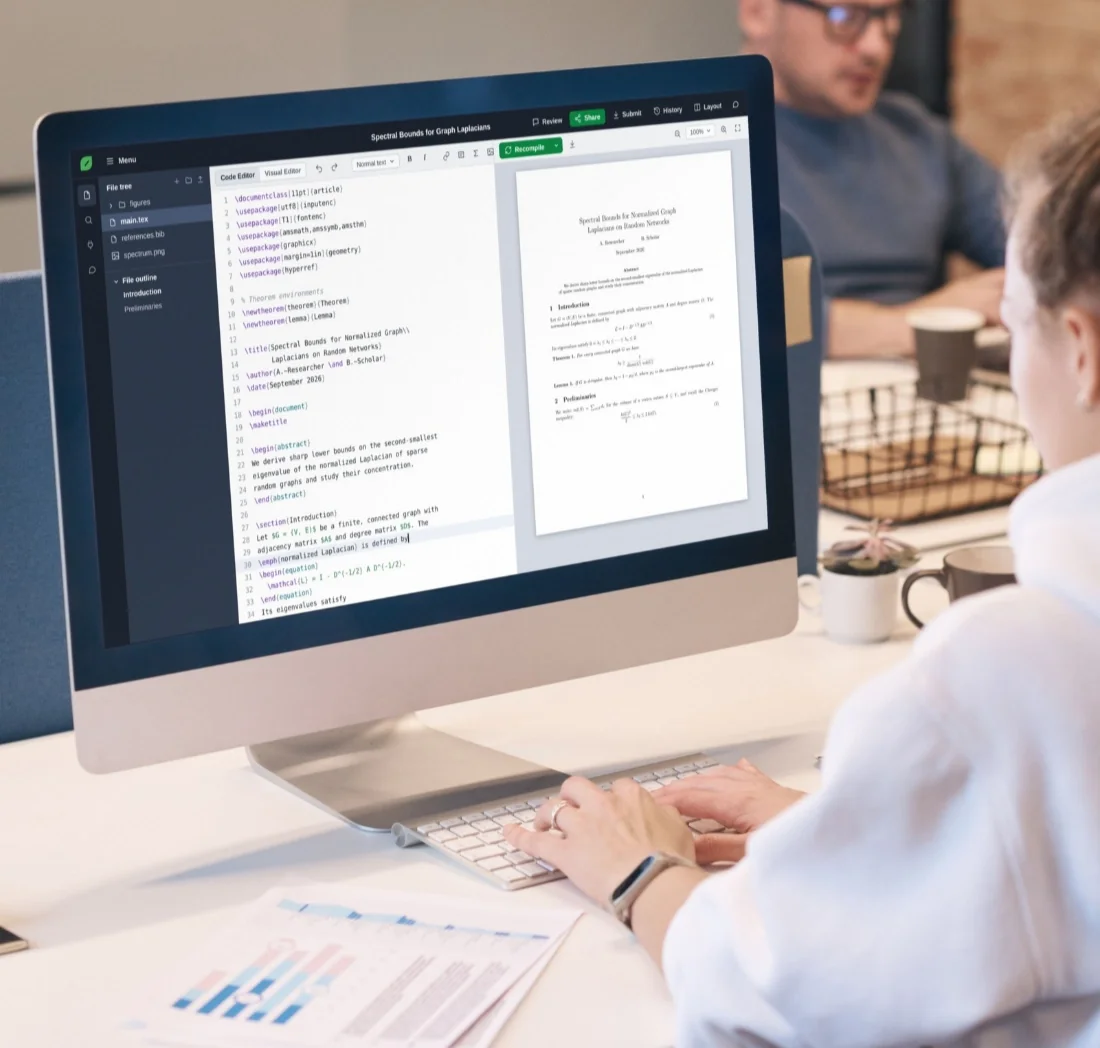
Correct acmart format option applied. Equations typeset. Bibliography configured with ACM-Reference-Format.bst. CCS concepts generated. Rights management block inserted. Package whitelist verified. Compiled and tested in Overleaf.
Download & Submit to TAPS
You receive the complete TAPS-ready package with upload instructions. If TAPS flags any issue after upload, we fix it free, same day.
What Happens After TAPS Upload
After you upload to TAPS, the system generates PDF and HTML5 versions within 24 hours. You’ll receive an email with the PDF attached and a link to review the HTML version. If you spot any issues in either version, you can use your included revision round for adjustments. We stay with your paper through TAPS approval.
ACM LaTeX Formatting Pricing
Same pricing as all conference and journal paper formatting. Fixed prices, no hourly billing.
- Pagesup to 10
- Equationsup to 20
- Citationsup to 20
- Revisions1 round
- Pagesup to 20
- Equationsup to 50
- Citationsup to 50
- Revisions1 round
- Pagesup to 30
- Equationsup to 100
- Citationsup to 100
- Revisions1 round
★★★★★
“Our TAPS submission kept failing and we couldn’t figure out why. Turned out we had two unapproved packages and the rights block was incomplete. Fixed in 24 hours.”
★★★★★
“Wrote the whole paper in Word for review, then realized the camera-ready needed to be in acmart sigconf format with CCS concepts and a rights block I didn't understand. They handled the full conversion and delivered a TAPS-ready package. Uploaded first try.”
★★★★★
“TAPS kept rejecting my submission with errors I couldn't interpret. Had a camera-ready deadline in two days and ACM support wasn't responding. They diagnosed it in an hour — an unapproved font package and a missing \ccsdesc command — and had it passing validation the same evening.”
Frequently Asked Questions About ACM LaTeX Formatting
Your Paper Got Accepted. Don’t Let TAPS Be the Bottleneck.
Upload your manuscript. Tell us the ACM conference or journal. Get a fixed quote in 2 hours. Receive a TAPS-validated LaTeX file that passes on the first upload — so you can focus on your presentation, not your formatting.