IEEE LaTeX Formatting
for Transactions, Access & Conferences
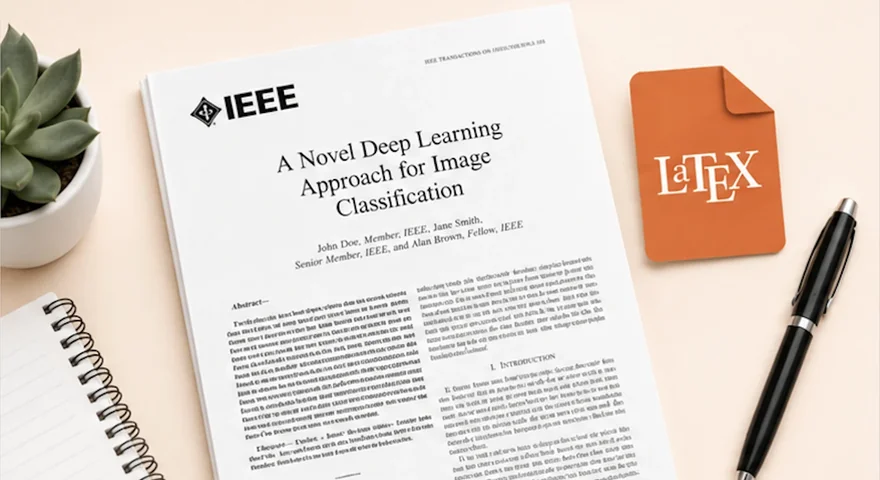
IEEEtran. Two-column. PDF eXpress verified.
We format papers to IEEE’s submission standard using the correct IEEEtran class option for your venue, with equations in math mode, two-column layout handled properly, bibliography built in either BibTeX or manual \bibitem depending on whether you’re submitting to a journal or a conference, and the final PDF tested for IEEE PDF eXpress compliance before we hand it over.
IEEE looks like the simplest publisher to format for. In practice the formatting breaks at the parts that are uniquely IEEE: two-column reflow that pushes a 6-page draft over the conference page limit, PDF eXpress’s automated check that rejects camera-ready submissions for issues invisible on screen, and the conference-versus-journal split where bibliography conventions, author block structure, and even the drop-cap on paragraph one are different. Our job is to handle those quietly.
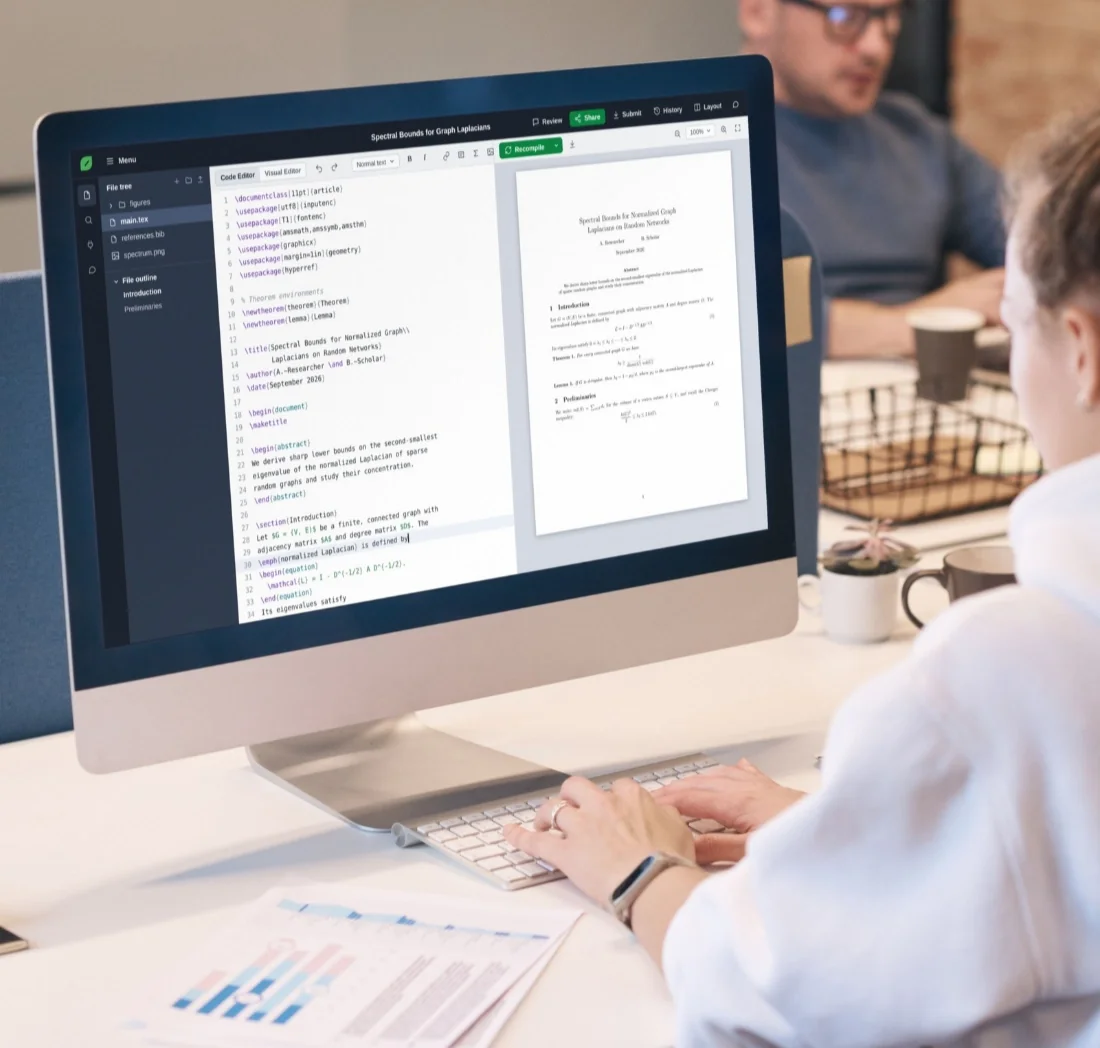
72-hour standard delivery. Compiled and tested in Overleaf. PDF eXpress dry-checked before we send it.
500+ Word to LaTeX conversions — IEEE, Elsevier, Springer, arXiv & more
Two Modes, One Class — And They’re Not Interchangeable
Almost every IEEE publication uses one document class:
\documentclass[conference]{IEEEtran} — Conferences: ICASSP, ICRA, INFOCOM, etc.
\documentclass[journal]{IEEEtran} — Transactions, IEEE Access, IEEE Magazines.
The difference between these two options is much larger than a single word in the preamble.
Conference mode — \documentclass[conference]{IEEEtran}
Block-style author layout with \IEEEauthorblockN for names and \IEEEauthorblockA for affiliations, set side by side. No drop-cap on the first paragraph. Tighter margins. The bibliography is typically a manual \begin{thebibliography} block with hand-written \bibitem entries, because conference proceedings often don’t ship BibTeX files for cited work.
Journal mode — \documentclass[journal]{IEEEtran}
Comma-separated author list, \IEEEPARstart for the drop-cap opening, \IEEEpubid for the copyright notice, and a .bib file processed with \bibliographystyle{IEEEtran} and the cite package. The natbib and biblatex packages are not used unless the specific journal explicitly asks for them.
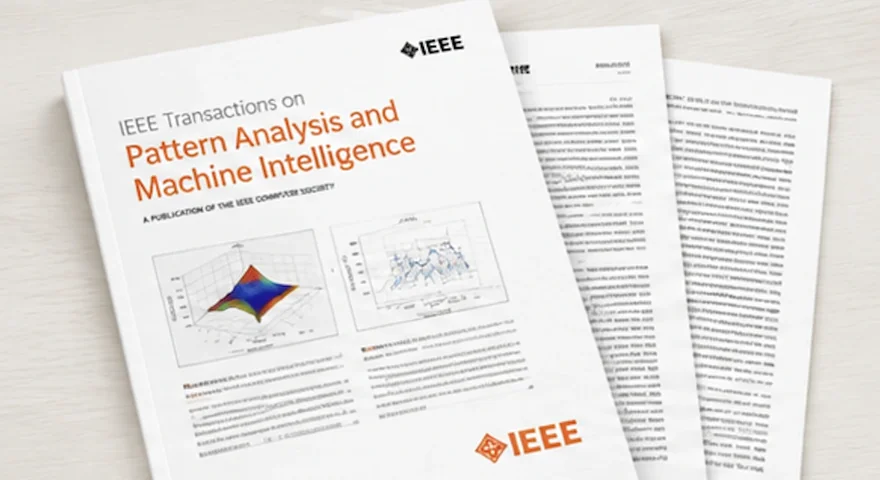
IEEE Access uses journal mode with its own page header, an Open Access copyright notice, and slightly different bibliography expectations — it accepts both numbered and named references. Computer Society journals add the compsoc option, a different photo-bio environment, and modified page-header expectations the base IEEEtran documentation doesn’t cover.
Send us the paper and the IEEE venue you’re submitting to — we identify the correct IEEEtran option and flag any over-length or PDF eXpress risk within 2 hours.
IEEE LaTeX Formatting Pricing
Pricing starts at $49 and scales based on page count and formatting complexity. No upfront payment required. Fixed prices. No hourly billing.
- ✓Up to 10 pages
- ✓IEEEtran template formatting
- ✓Equations & references
- ✓Overleaf-ready delivery
- ✓Compilation guaranteed
- ✓Up to 20 pages
- ✓Equations & tables
- ✓Figure formatting & references
- ✓IEEEtran template compliance
- ✓Overleaf-tested delivery
- ✓2 revision rounds
- ✓Up to 30 pages
- ✓Advanced equations & formatting
- ✓Multi-section manuscripts
- ✓Figures, tables & cross-references
- ✓IEEEtran template compliance
- ✓Priority turnaround
- ✓2 revision rounds
- ✓Guaranteed compilation & PDF eXpress pass
Most IEEE projects we handle fall into this category.
For long-form IEEE Access papers, survey articles, and papers with 50+ equations or 80+ references.
- ✓30+ page papers
- ✓Survey-length manuscripts
- ✓50+ equation density
- ✓Multi-author projects
- ✓Flexible turnaround
- ✓Dedicated support
Most large IEEE manuscript projects fall between $500–$700 depending on complexity.
All prices are fixed before we touch the file. No hourly billing. .edu email? Get 15% off any tier.
Who This Is For
You’re submitting to IEEE and one of these is true:
- You wrote your paper in Word and the venue requires LaTeX. You need someone to do the conversion and apply the correct IEEEtran setup for your specific submission.
- You have a LaTeX draft that compiles but doesn’t look right. The two-column layout is breaking your figures, your bibliography is showing inconsistent formatting, or the equation numbering is off.
- Your paper was rejected at IEEE PDF eXpress and the report says “fonts not embedded” or “margin violation” and you’re not sure what changed.
- You’re resubmitting a previously-rejected paper to a different IEEE venue. A Transactions submission that needs to become IEEE Access, or a conference paper being extended into a journal version.
- You have a deadline that doesn’t move, and three days of LaTeX debugging is not a viable plan.
Who this is not for
You’re comfortable in LaTeX, have a week before your deadline, and your paper is straightforward — short, light math, simple bibliography. In that case you can do this yourself with a standard IEEEtran template from the IEEE Author Center or Overleaf. Our IEEE LaTeX template formatting guide walks through the setup.
You only need a quick proofread of an already-working LaTeX file. We do formatting, not editorial review.
The Two-Column Tax
If your paper is moving from Word (or any single-column draft) into IEEEtran, the page count goes up. A 6-page single-column draft with a couple of half-page figures and a wide results table usually becomes a 7- to 8-page IEEE paper before any content trimming. The reasons are mechanical, not stylistic.
table* environment (which spans both columns and floats to the top or bottom of a page) or restructuring with fewer columns.figure* two-column figure (which can only sit at the top or bottom of a page). The right choice depends on what the figure actually has to communicate, not on which is easier.align with manual breaks, or IEEEeqnarray from IEEEtran itself, which IEEE prefers over the standard eqnarray because it handles two-column alignment correctly.Equations, in Math Mode, Not as Images
This is the part where shortcuts get papers desk-rejected at IEEE.
If your paper was written in Word, equations are stored in one of three formats. Modern Word equations are OMML (Office Math Markup Language), an XML format inside document.xml. Older Word documents and papers built with the MathType plugin store equations as OLE objects. Some authors paste equations as images. Each requires different handling.
OMML can be converted to LaTeX with Pandoc as a first pass, but the result usually has wrong delimiters (Pandoc uses \(...\) inline; IEEE conventions expect $...$), missing operator spacing, and broken multi-line alignment. We use Pandoc as a starting point and rewrite every equation against the original.
MathType equations are sometimes extractable through the plugin’s “Convert Equations” feature, but the conversion loses cross-reference numbering and custom macros. For MathType-heavy papers we typically rewrite from scratch.
Image-pasted equations require manual transcription. We use Mathpix as a first pass and verify every output character against the original — Mathpix gets simple algebra right and gets complex tensor expressions, indexed sums, and unusual notation wrong often enough that we don’t trust its output without review.
For papers that already have a partial LaTeX file with broken equations — common when authors start a conversion themselves and get stuck — we work from your file. The equation problems we see most often: \frac inside an inline $...$ instead of \dfrac (gives tiny, unreadable fractions), unmatched delimiters from incomplete copy-paste, eqnarray instead of align or IEEEeqnarray, and missing \label on equations that are referenced later in the text.
Passing PDF eXpress
For IEEE conference camera-ready submissions, your paper has to pass IEEE PDF eXpress, the automated compliance checker that verifies fonts, margins, page size, and PDF structure before the paper is accepted for the proceedings. The common failure modes after a conversion:
pdfLaTeX, not XeLaTeX or LuaLaTeX, unless your conference explicitly supports the latter. After compiling, pdffonts your-paper.pdf should show “yes” in the embedded column for every font. A single “no” gets the submission rejected.a4paper to the class options, which some conferences reject. The right size is whatever the specific venue’s author kit specifies.\vspace{-1em} or \enlargethispage to save space can push content past the printable area. PDF eXpress catches this even when the violation is a few points.geometry, fullpage, or anything that resets margins overrides IEEEtran’s defaults. We don’t load these unless the venue requires it.Conference \bibitem versus Journal BibTeX
This is where the conference-versus-journal split matters most, and where the most common bibliography mistakes happen.
Journals want a .bib file. The bibliography style is \bibliographystyle{IEEEtran} and the citation command is \cite{} with the cite package loaded. The IEEEtran.bst file is bundled with TeX Live, MiKTeX, and Overleaf, and handles IEEE’s specific formatting — initials before surname, journal name abbreviation, volume in bold, page range with en-dash.
Bibliography exports from Mendeley, Zotero, or EndNote work, but they often have gaps. Volume numbers, page ranges, and DOIs are frequently missing or incomplete, and IEEEtran.bst silently drops fields it doesn’t have rather than warning you. The result is a bibliography that compiles cleanly but looks wrong to a reviewer. We fill in the missing fields manually as part of the standard process. Google Scholar BibTeX exports are the worst offender — often missing volume, issue, and page data, and frequently mangling special characters in titles.
Conferences more often want a manual \begin{thebibliography} block with hand-written \bibitem entries. The reason is partly historical (older conference templates predate widespread BibTeX use) and partly practical (conference proceedings have inconsistent reference quality, and manual entry forces uniform formatting). If the conference template uses BibTeX, we do too. If it uses manual entries, we don’t override that. Reviewers and editors notice when papers deviate from the venue’s standard.
What We Handle
A non-exhaustive list of what comes up in IEEE work and how we handle it:
- Word draft to IEEE LaTeX from scratch. Most common request. We rebuild the structure in IEEEtran, type every equation in math mode, restructure tables for two-column, build the bibliography in whichever format the venue requires.
- Existing LaTeX that won’t compile. Send us the
.texfiles and any error messages. Most “won’t compile” cases are missing packages, version mismatches between local TeX Live and Overleaf, or a stray Unicode character from a copy-paste. Fix LaTeX errors service → - Existing LaTeX that compiles but looks wrong. Bibliography formatting inconsistencies, equation numbering off, figures floating to wrong pages, two-column overflow. We fix the layout and verify the result against the venue’s reference output.
- PDF eXpress rejections. Send us the rejection report and the
.texsource. We diagnose the root cause and fix it. - Reformatting between IEEE venues. Transactions to IEEE Access. Conference paper to journal version. Different IEEE Transactions journals with different specific requirements. We re-apply the target template and adjust the structure where the new venue needs it.
- Computer Society journals. TPAMI, TSE, TVCG, and others use a modified IEEEtran with additional packages. We’ve done these often enough to know the specific quirks (
compsocoption, different page-header expectations, photo-bio environment for journal articles).
What You Get With Our IEEE LaTeX Formatting Service
For every IEEE formatting job, the delivery package is the same: source files, compiled output, and a PDF eXpress dry-check note for conference submissions.
Correct IEEEtran Class Option
A .tex file using the correct IEEEtran class option for the venue (conference, journal, or one of the specialized modes like peerreview, peerreviewca, or technote).
Bibliography in the Right Format
A .bib file (for journal submissions) or a complete thebibliography block embedded in the .tex file (for conferences). Every entry verified against the venue’s expectations.
Figures as Vector Files
All figures extracted as separate vector files where possible (PDF or EPS), or PNG for photographs. Captions, labels, and cross-references that resolve correctly across the two-column layout.
Overleaf-Tested Compiled PDF
A compiled PDF, tested in Overleaf, showing the paper as IEEE will see it. Zero errors, zero warnings, embedded fonts verified with pdffonts.
PDF eXpress Dry-Check (Conferences)
For conference submissions: a PDF eXpress dry-check note flagging anything we adjusted to ensure compliance — font embedding, page size, margin compliance, package conflicts. If the paper doesn’t compile in your environment after delivery, we fix it free, same-day. 2 revision rounds included as standard.
How the Process Works
From upload to a clean compile in 72 hours standard, faster on rush. Hand-formatted by a LaTeX specialist, PDF eXpress dry-checked before delivery for conference submissions.
1. Send the File & the Venue
Your paper (in any format we accept), the IEEE venue you’re submitting to, and the deadline. If you have the conference author kit or journal submission link, send that too — different IEEE venues have small but real differences.
2. Quote in 2 Hours
Fixed price, no obligation. We flag in the quote anything we expect to be unusual: over-length risk, equation density, missing bibliographic data, template variants.
3. Formatting in 72 Hours
Equations rebuilt, tables restructured, IEEEtran class option applied, bibliography built. Result compiled in Overleaf, font embedding verified, output checked against the venue’s author kit.
4. Delivery & PDF eXpress Dry-Check
You get the .tex file(s), .bib file or thebibliography block, all figure files, and a compiled PDF. For conference submissions, we run the final PDF through a PDF eXpress dry-check before sending.
Frequently Asked Questions About IEEE LaTeX Formatting
IEEEtran modes, PDF eXpress, BibTeX vs \bibitem, Computer Society quirks, and resubmission between IEEE venues — the things IEEE authors ask us before sending their files over.
TheLatexLab's Guarantee
This isn't marketing copy. This is how we run every project.
Compilation guarantee
Standard delivery
Quote response time
Papers formatted
If it breaks in your environment, we fix it free. No exceptions.
What Clients Say
Bold claims are easy. Real results are harder. Here's what real clients are saying.
“Timely and surprisingly accurate. TheLaTexLab converted my Word manuscript into the Compositionality journal LaTeX template perfectly, and I was able to submit to arXiv without issues.”
See what more of our clients have to say.
Read all reviewsTrusted globally by researchers and academics from 40+ countries.
Don't Waste Another Hour Fighting LaTeX
You didn't spend years on research to lose weeks debugging compilation errors. Upload your document. Get an exact quote in 2 hours. Receive submission-ready LaTeX, guaranteed to compile.