Accessible Beamer Slides: beamer to ltx-talk Service
We make LaTeX lecture slides accessible in one of two ways: by converting Beamer to ltx-talk, or by producing an accessible companion document alongside your existing slides. Under ADA Title II, the slides you share with students are expected to meet WCAG 2.1 Level AA, and if your slides are built in Beamer, no setting will produce a compliant file.
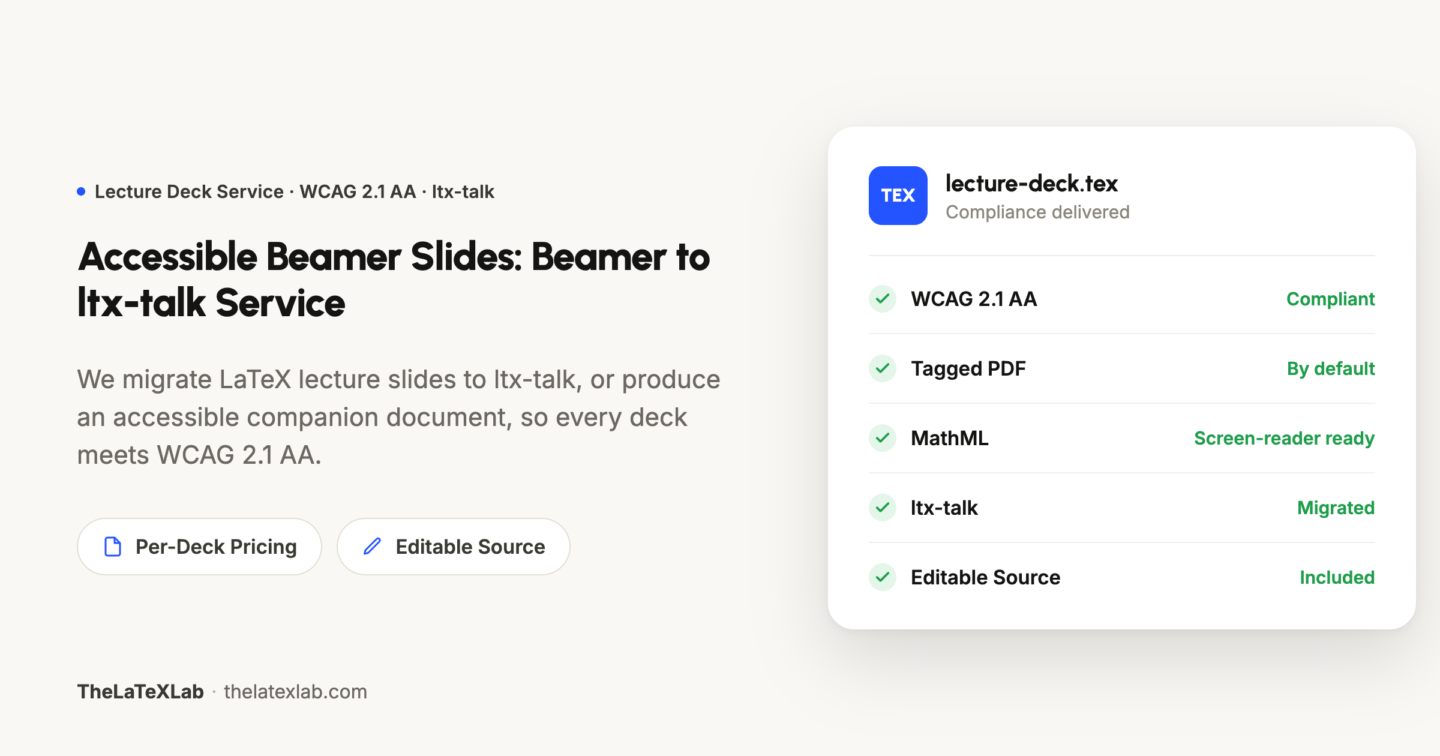
Accessible Beamer Slides: beamer to ltx-talk Projects






Why Beamer Cannot Produce an Accessible PDF
An accessible PDF is a tagged PDF: beneath the visible slide it carries structure that identifies headings, reading order, lists, and figures for a screen reader. Beamer was not designed to write those tags, and the LaTeX team has confirmed that adding them to Beamer is not on its roadmap. The requirement and the tool are incompatible.
Tagging the exported PDF by hand in Acrobat is not a durable solution for lecture slides. Reading order across overlay builds is difficult to establish, every equation must be described manually, and the tags are discarded whenever a slide is edited and the deck recompiled. For material that is revised and re-taught each term, the correction has to originate in the source rather than in the finished PDF.
How We Make Your Beamer Slides Accessible
We use one of two approaches, determined by the deck and confirmed with you before work begins.
Pricing and Volume
Pricing is per deck. A single lecture is a small, self-contained job; a full course or a department's back catalog is priced at a lower per-deck rate, since the work shares setup across the set. Teaching and learning centers use this to address the accessibility backlog for a program's materials without requiring each instructor to acquire LaTeX accessibility expertise.
For either approach, the deliverable is:
a tagged PDF that meets WCAG 2.1 Level AA
the editable source
a note stating what to open the file in and what a screen reader should read, so that you or your accessibility office can verify it directly
Free Conversion for The First Beamer Slide
Send one Beamer slide through the free Beamer accessibility checker or email us at [email protected] We will convert it to accessible Beamer slide as per your chose option a) Beamer to ltx-talk or b) Accessible companion document.
You can check your beamer Accessibility by using our free Beamer accessibility checker
Frequently Asked Questions
Trusted globally by researchers and academics from 40+ countries.
Get Beamer Slide Converted to ltx-talk and Make Your Presentation Accessible
We make LaTeX lecture slides accessible by converting Beamer to ltx-talk, or by producing an accessible companion document alongside your existing slides.