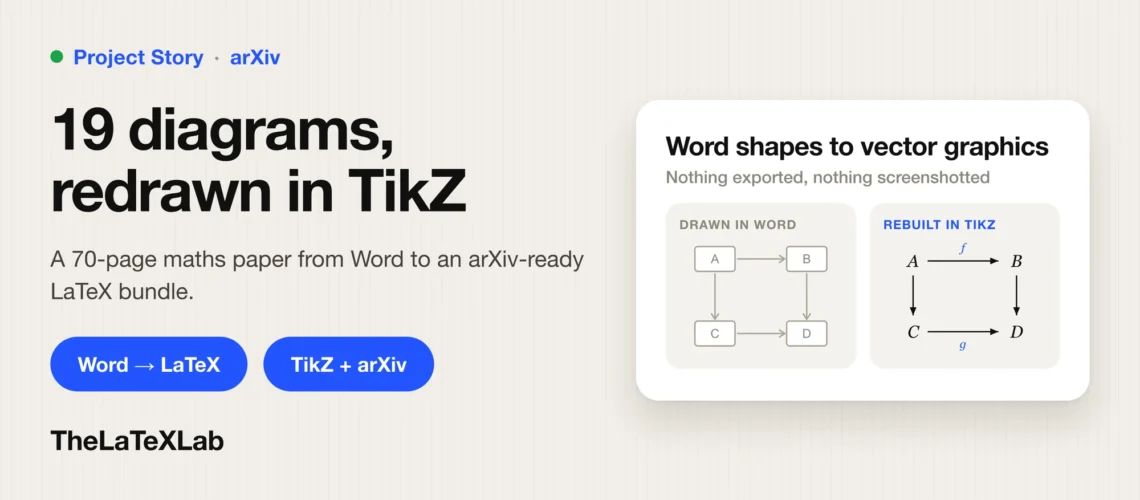
Giulio Katis is an Adjunct Fellow at the University of New South Wales in Australia. He sent us a mathematics manuscript written in Word and needed it as a LaTeX file formatted to a journal’s template. The hard part was not the text. It was 19 diagrams that had been drawn inside Word itself, which meant they could not be exported and had to be rebuilt from scratch in TikZ. He reviewed the first draft, sent six changes and we updated those changes and delivered the project within deadline.
Project at a glance
| Client | Giulio Katis |
| Location | Australia |
| Role | Adjunct Fellow, University of New South Wales |
| Field | Mathematics |
| Job | Word to LaTeX conversion, journal template formatting |
| The hard part | 19 diagrams drawn with Word’s own shape tools |
| Delivered | LaTeX source, compiled PDF, BibTeX bibliography, figure assets |
| Revisions | One round, six changes, all made |
| Deadline | None. First draft sent within 3 days. |
Giulio has agreed to let us publish this case study. At his request it says nothing about the paper itself, so this covers the conversion work and nothing else.
What the client asked for
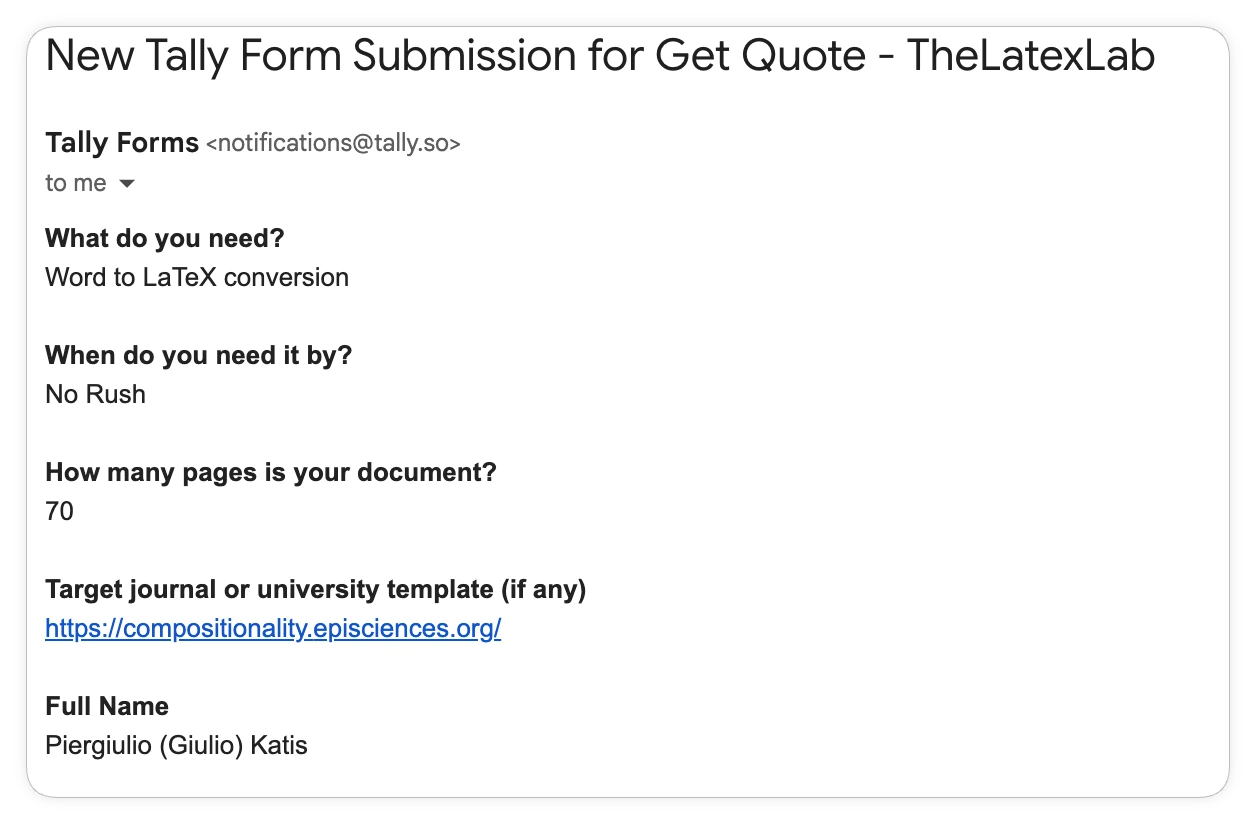
- Word to LaTeX conversion
- No rush
- Target: a journal’s LaTeX template
He had not written LaTeX in 25 years. The conversion was, in his words, what got him back into LaTeX.
His questions before agreeing
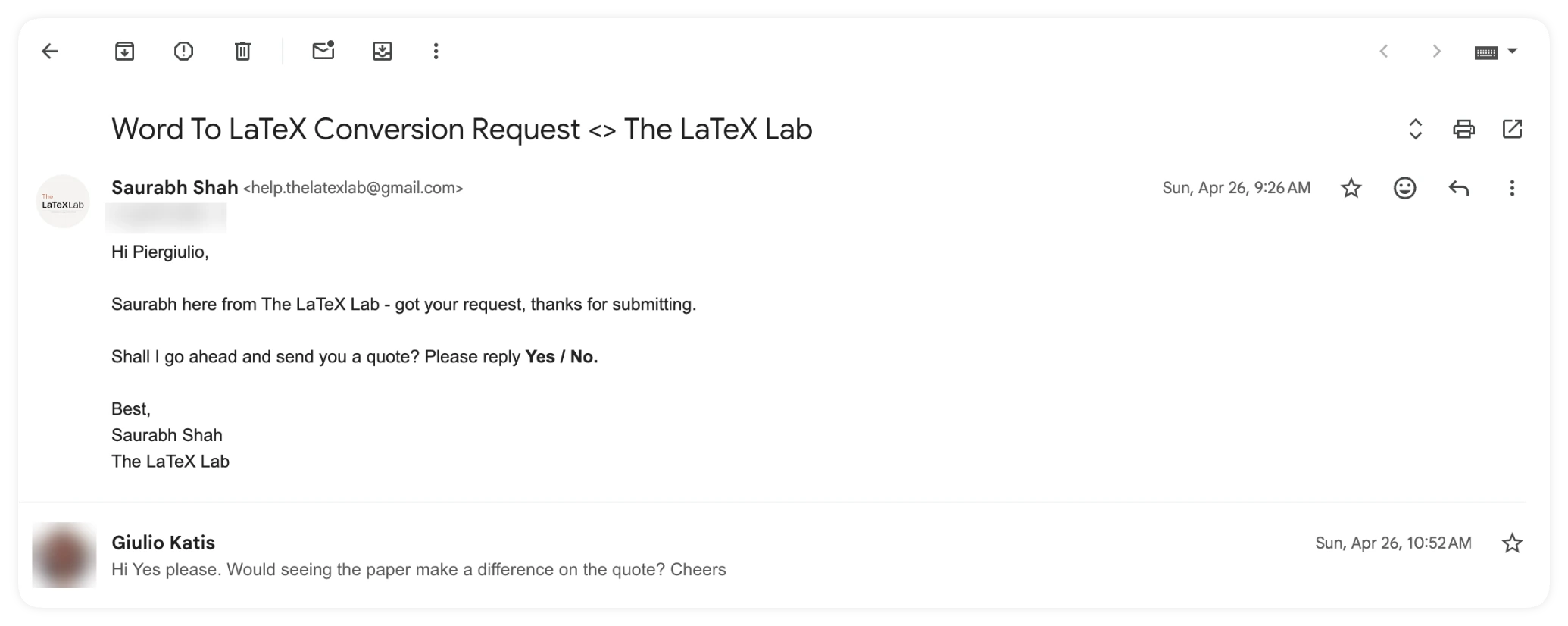
He asked four things before committing. They are all reasonable questions to ask anyone doing this work.
- “Would seeing the paper make a difference on the quote?” No. We price on page count, so the number in the quote is the number on the invoice.
- “Can you convert maths symbols, diagrams, footnotes, cross references?” Yes, all four. Those are the four things we make sure are done correctly, following the target template’s guidelines.
- “Will I be able to import your files into Overleaf?” Yes. He wanted somewhere to review the result after 25 years away from LaTeX, and the files import directly.
- “Will you be using TikZ to render the diagrams?” Yes, we convert diagrams using TikZ. More on this below, because it turned out to be the largest single piece of work in the project.
What the conversion had to handle
| Element | What it needed |
|---|---|
| Diagrams | 19 of them, drawn with Word’s shape tools. Rebuilt as TikZ vector figures. |
| Mathematical notation | Word equation objects rebuilt as real LaTeX math, inline and display |
| Footnotes | Carried across exactly, including several holding substantive content rather than citations |
| Cross-references | Word bookmarks replaced with \label and \ref, no hard-coded numbers |
| Bibliography | Typed into the Word file, rebuilt as a proper BibTeX file with \citet and \citep |
The diagram row is the one that matters. Nineteen diagrams sounds routine until you look at how they were made.
Why the diagrams were the real job
The 19 diagrams were not pictures pasted into the document. They were built with Word’s own drawing tools – shapes, arrows and text boxes grouped together, stored as several hundred Word shape objects. The entire file contained exactly one embedded image.
That matters because there is nothing to extract. A diagram saved as a PNG can be cropped and dropped into LaTeX in a minute, and it will look like a screenshot sitting in a typeset paper. A diagram built from Word shapes cannot be exported at all without screenshotting it, which is bad for print quality and worse for accessibility – a screenshot carries no text a screen reader can read.
So they were rebuilt. The delivered file contains 11 TikZ pictures across 12 figures, drawn as vector graphics in LaTeX rather than traced or pasted. They scale to any size, they use the document’s own fonts so they match the surrounding text, and they stay editable in the source file. This is what the client was checking when he asked about TikZ before agreeing to the job.
First draft and the review
We sent the first draft for review within 3 days. He took the weekend with it, then sent six changes.
- Adjust the table of contents
- Give two citations in one section proper linked bibliography references
- Restore a missing footnote
- Fix malformed possessives in another footnote, rendering as
[74]ś - Replace the bullet character used for function composition throughout the paper with the proper
\circsymbol, including inside the figures - Add his ORCID to the title page
The fourth and fifth are the interesting ones. Both are artefacts of Word: a stray character left behind by autocorrect, and a bullet used as a mathematical operator because Word made it easy to type. Neither is wrong in Word. Both are wrong in a typeset mathematics paper, and a converter that only moves text across would carry both straight through.
All six were made the same day.
What he checked before paying
Alongside the six changes, he asked us to confirm how the file had been built.
- That all internal references use labels and refs rather than hard-coded numbers
- That the bibliography is generated from a BibTeX file rather than typed out
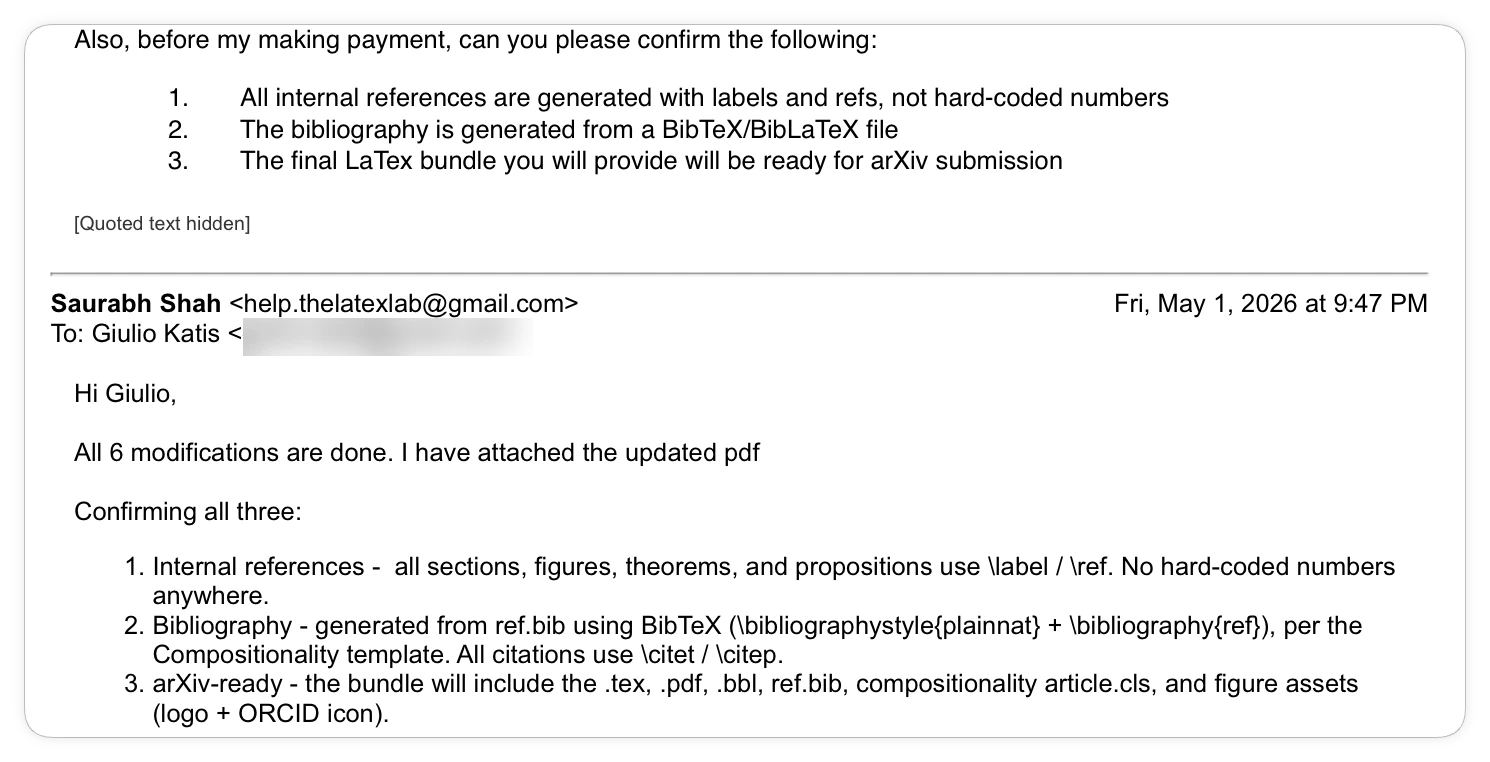
These are the right questions to ask, and they are worth asking of anyone who hands you a LaTeX file. A document with hand-typed section numbers and a hand-typed bibliography will compile and look perfectly correct, and it will fall apart the first time you add a section or reorder the references. That is the difference between a file that looks like LaTeX and a file that works like LaTeX.
Work We Delivered To The Client
| Word file received | LaTeX files delivered | |
|---|---|---|
| Format | .docx | .tex source on the journal’s class, plus compiled PDF |
| Diagrams | 19 Word shape drawings | 11 TikZ pictures across 12 figures, vector, editable |
| Mathematics | Word equation objects | LaTeX math mode throughout |
| Footnotes | Word footnotes | Carried across, including the one restored on request |
| Cross-references | Word bookmarks | \label and \ref. No hard-coded numbers. |
| Bibliography | Typed into the document | BibTeX file with \citet and \citep commands |
| Table of contents | Manual | Generated |
| Composition symbol | Bullet character | \circ, figures included |
| ORCID | Not present | On the title page |
Project Timeline Details:
| Day | Event |
|---|---|
| Day 1 | Request received, quote sent, client confirms |
| Day 2 | Client’s questions about Overleaf and TikZ answered |
| Day 4 | First draft PDF sent for review |
| Day 6 | Six requested changes received and made the same day |
| Day 7 | Final files delivered |
Client Review and Rating for TheLaTeXLab service provided
He left us a five-star rating on Trustpilot three days after delivery.
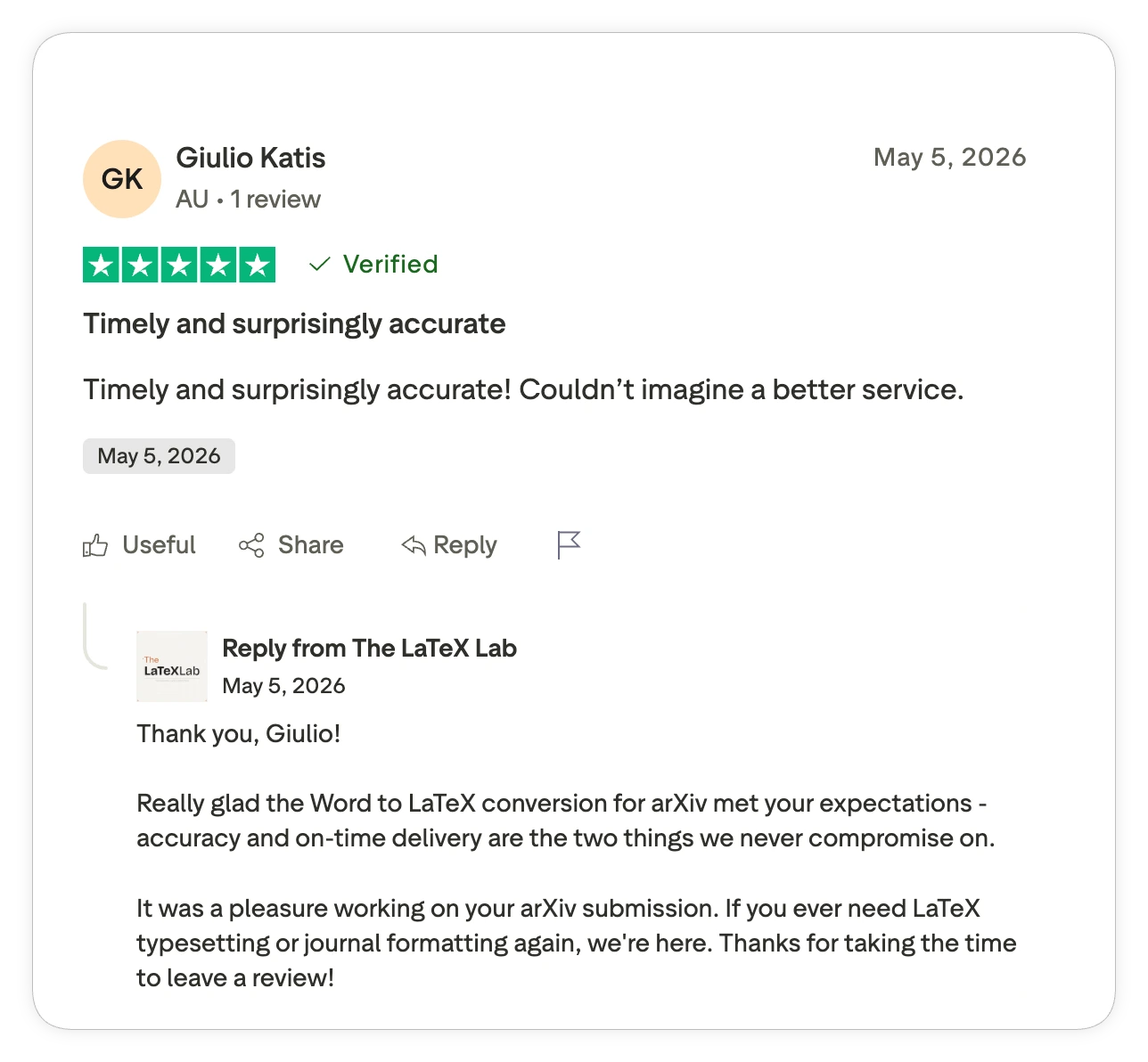
Timely and surprisingly accurate! Couldn’t imagine a better service.
— Giulio Katis, Australia · verified Trustpilot review
“Surprisingly accurate” is the part worth reading twice. Accuracy is exactly what people expect a conversion to get wrong, and it is why he checked the labels and the bibliography himself before paying. He also told us the project got him back into LaTeX after 25 years away from it, which is a better outcome than a delivered file.
Have a Word manuscript with diagrams that needs to be a LaTeX file?
Send the document and the template. You get a flat-fee quote that does not move, a file that compiles, and diagrams rebuilt as real vector graphics rather than screenshots.
Who we usually do this for
- Researchers and academics with a finished manuscript in Word or PDF
- Mathematics and physics papers with heavy notation, diagrams and figures
- Authors working to a specific journal or university LaTeX template
- People who last wrote LaTeX decades ago, or never have, and want to edit the result in Overleaf
Most of our clients fit that description: researchers, professors and PhD candidates converting Word manuscripts to LaTeX for journal or thesis submission, usually against a named publisher template, often with equation-dense text, hand-built diagrams, and a bibliography that needs rebuilding as proper BibTeX entries. If you want the mechanics rather than the write-up, we have covered how to convert Word to LaTeX in full.
When we are not the right fit
- You want to learn LaTeX. We deliver files, not training. The write-ups on our blog are free you can learn from that.
- The paper is still being written. Convert once the text is final.
- You need the science checked. We check the manuscript against the journal’s formatting and submission requirements. We do not review the research, the methods or the language.